
GitLab integration
The GitLab integration connects your GitLab instance to Flezise so the builder agent can read source code, respond to pipeline failures and merge request reviews, and open merge requests when work is done.
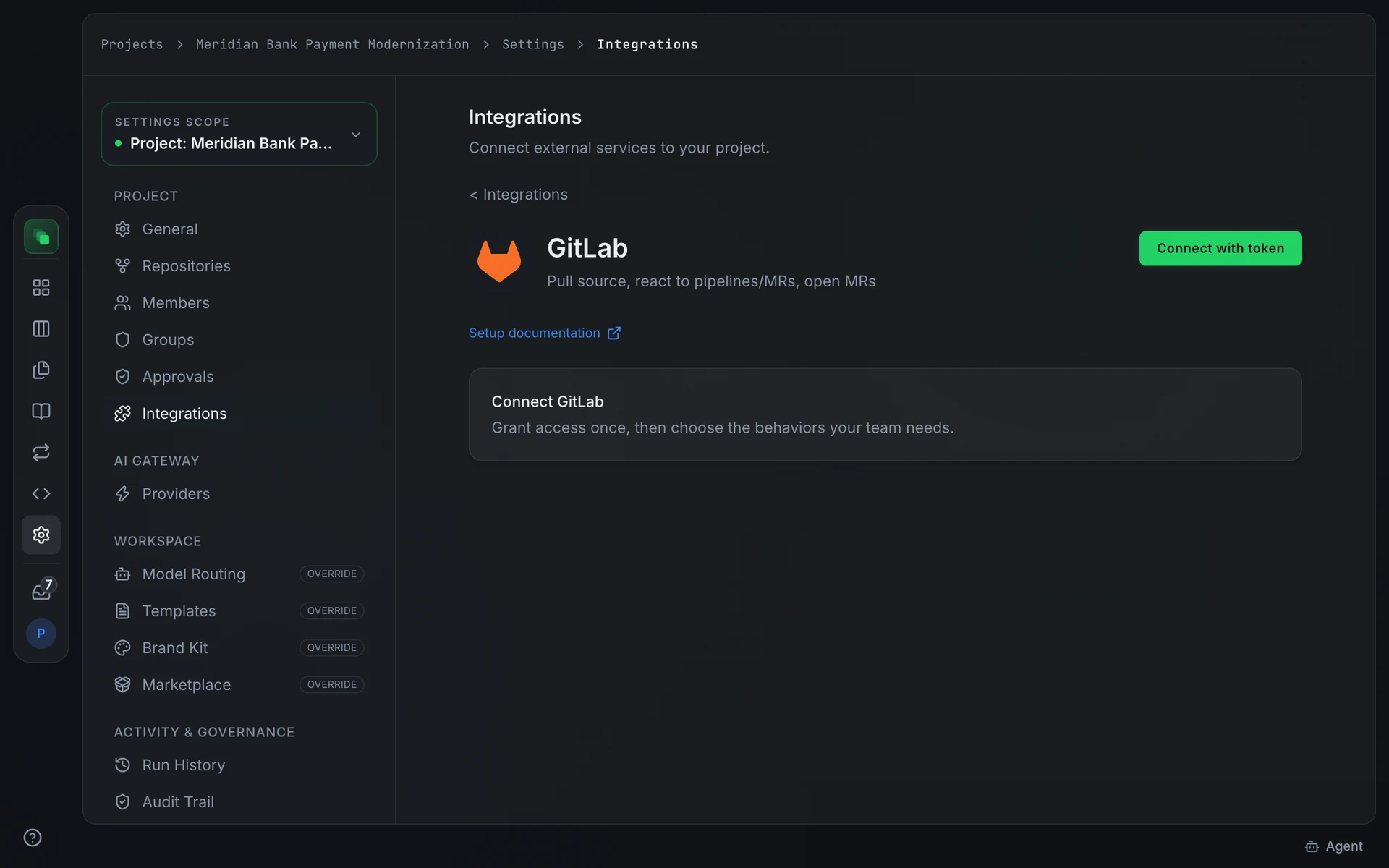
Connect
Open Project Settings → Integrations → GitLab. Click Connect to authorize via OAuth, or Connect with token to enter credentials directly.
OAuth requests these scopes: api and read_repository. The api scope covers issue comments and merge request operations; read_repository allows cloning. GitLab OAuth uses PKCE and supports token refresh.
Token connect accepts two credential fields:
Generate the token at your GitLab profile under Edit profile → Access tokens. The token needs the api scope and the Maintainer role on the project, so Flezise can register the events webhook and post comments.
Flezise registers the webhook when you link a project (see Configuration). To register it by hand instead, copy the Webhook URL from the connection panel, add it under Settings → Webhooks, and paste the Signing Secret into the Secret token field.
Capabilities
Configuration
After connecting, enter the project path in group/project format in the Source control card on the detail page and press Link repository. This saves the path and links it in one step. The builder agent then uses that project for cloning and merge requests without requiring a separate choice for each run.
Linking also creates the project's events webhook, or refreshes it if one already points at this connection, for issues, merge requests, comments and pipelines. The confirmation under the card says whether the webhook was created or updated. If the token cannot manage webhooks, the project is still linked and the message says what is missing.
Events
GitLab sends four event types that Flezise classifies:
GitLab signs each delivery with a shared token in the x-gitlab-token header. Flezise compares it to the signing secret stored at connect time.
The GitLab classifier maps any merge request webhook to merge_request.review. Flezise does not distinguish between the specific action types within that event; all merge request events reach the same handler.
The Inbound events card on the detail page controls whether events from this connection can start agent work. Toggle Allow work-item triggers on to enable event-driven work items.
FAQ
The webhook shows a 401 response from Flezise.
The signing secret does not match. Copy the Signing Secret from the Flezise connection panel and paste it into the Secret token field on the GitLab webhook. The comparison is constant-time and exact; any difference fails verification.
I connect to a self-hosted GitLab instance. What do I enter for GitLab Host?
Enter the hostname of your instance without a trailing slash, for example gitlab.mycompany.com. OAuth uses this host to construct the authorize and token URLs, and the token client uses it for all API calls.
Next steps
- Integrations overview: how events become work items
- Work the board: manage the work items that pipeline failures and reviews create
- Runs: inspect the agent runs triggered by GitLab events