
Delete and supersede
Two destructive actions live at the bottom of the overflow menu. Delete Artifact removes the artifact permanently. Mark Obsolete supersedes an approved artifact and tells agents to stop treating it as context.
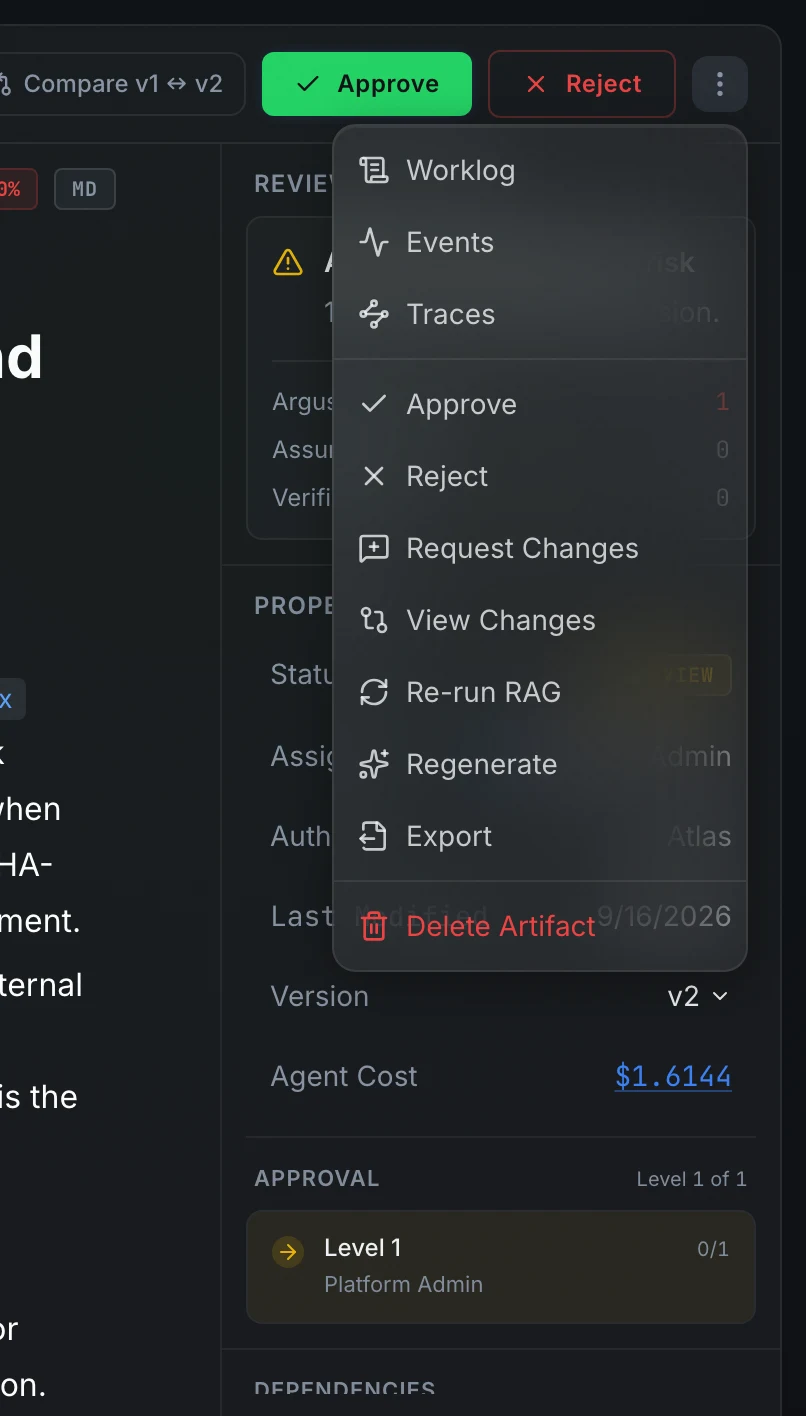
Delete an artifact
Open the overflow menu (⋮) and choose Delete Artifact. A confirmation modal reads: "Are you sure? This will permanently delete this artifact and all its reviews." Press Delete to confirm.
Deletion is permanent and cannot be undone. The API allows deletion only when the artifact is in one of these statuses:
To remove an approved artifact, supersede it first (see below), then delete the superseded record.
Uploaded document files are removed from storage alongside the artifact record.
Mark Obsolete
Mark Obsolete appears in the overflow menu only when the artifact is Approved or Locked. Choosing it opens a confirmation modal: "This will mark the artifact as obsolete. AI agents will no longer use it for context." Press Mark Obsolete to confirm.
The artifact moves to superseded status. Its content remains readable, but the knowledge base no longer serves it as context for agents. Any artifact that listed this one as a dependency will reflect the change the next time its status is evaluated.
A superseded artifact shows Restore in the header if you want to start a new version from its content. See Versions and history for how Restore works.
FAQ
Can I recover a deleted artifact?
No. Deletion removes the artifact, its version history, and all its reviews permanently. If you want to retire an approved artifact while keeping its history, use Mark Obsolete instead.
What happens to work items that depend on a superseded artifact?
Work items referencing a superseded artifact continue to exist. The implementation work item generated from a spec artifact is not automatically cancelled when the spec is superseded. Close any related work items manually if they are no longer needed.