
Export an artifact
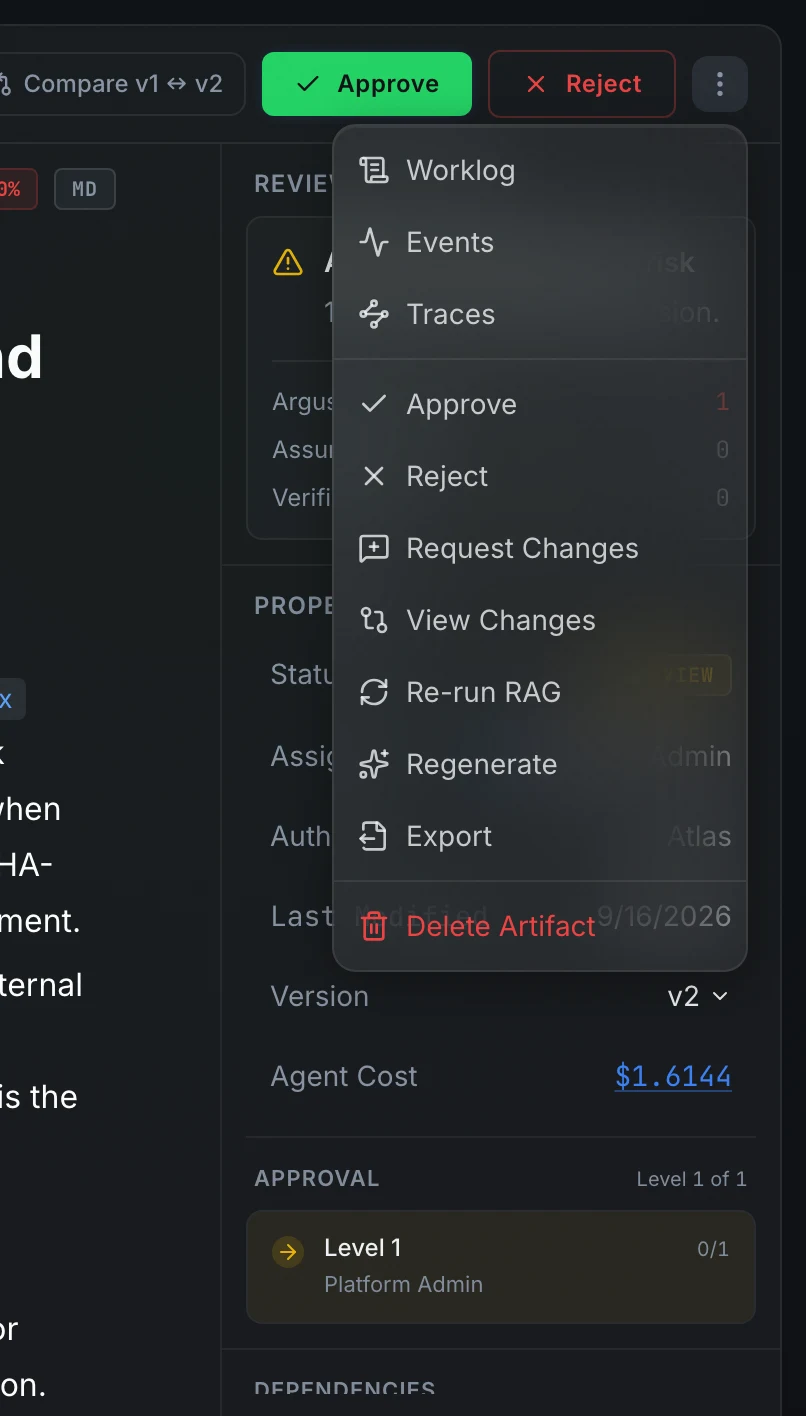
The Export option in the artifact overflow menu opens a list of available formats for the current artifact type. Clicking a format enqueues an export job; the row updates as the job progresses and shows a Download link when the file is ready.
Available formats
Which formats appear depends on the artifact type.
Canvas format descriptions shown in the export menu:
The ZIP export includes a DESIGN-HANDOFF.md file with a screen inventory, navigation flow, and grouped design tokens.
PPTX slides are raster images, one per canvas screen. The resulting file is not editable as vector shapes in PowerPoint.
Presentations export their last build instead. PPTX is the editable deck in your template, with any transitions and animations the agent added. PDF is the same slides without motion. HTML is one self-contained file that opens in any browser and plays the same transitions and builds over the slides as they look in the PPTX, plus effects PowerPoint lacks: chart bars rise from the axis, pies sweep round, diagrams trace along their flow, big numbers count up, text lifts or comes into focus. Arrow keys or a click step through builds and slides, and N shows the speaker notes.
Requesting an export
Click a format row. The row switches to Requesting... while the server acknowledges the job, then to Exporting... while the Celery worker runs. When the job finishes, the row shows the file size, the age of the export, a Download button and Again.
The export persists so you can download the same file again without re-exporting. An export is a snapshot: after the artifact changes, press Again to export the current version. Re-exporting replaces what Download returns.
Stalled and failed exports
If no result appears after three minutes, the row reports: "No response from the export worker. Try again." A failed export shows the error message from the worker and a Retry link.
Downloading
Press Download to save the file. The download is authorized: the request carries your session token, so direct URL access without authentication returns an error. Downloads go through the application, not a public storage URL.
Uploaded documents
For artifacts created by uploading a file, the overflow menu also shows Download original. This downloads the original file as uploaded, separate from any export.