
Microsoft Teams
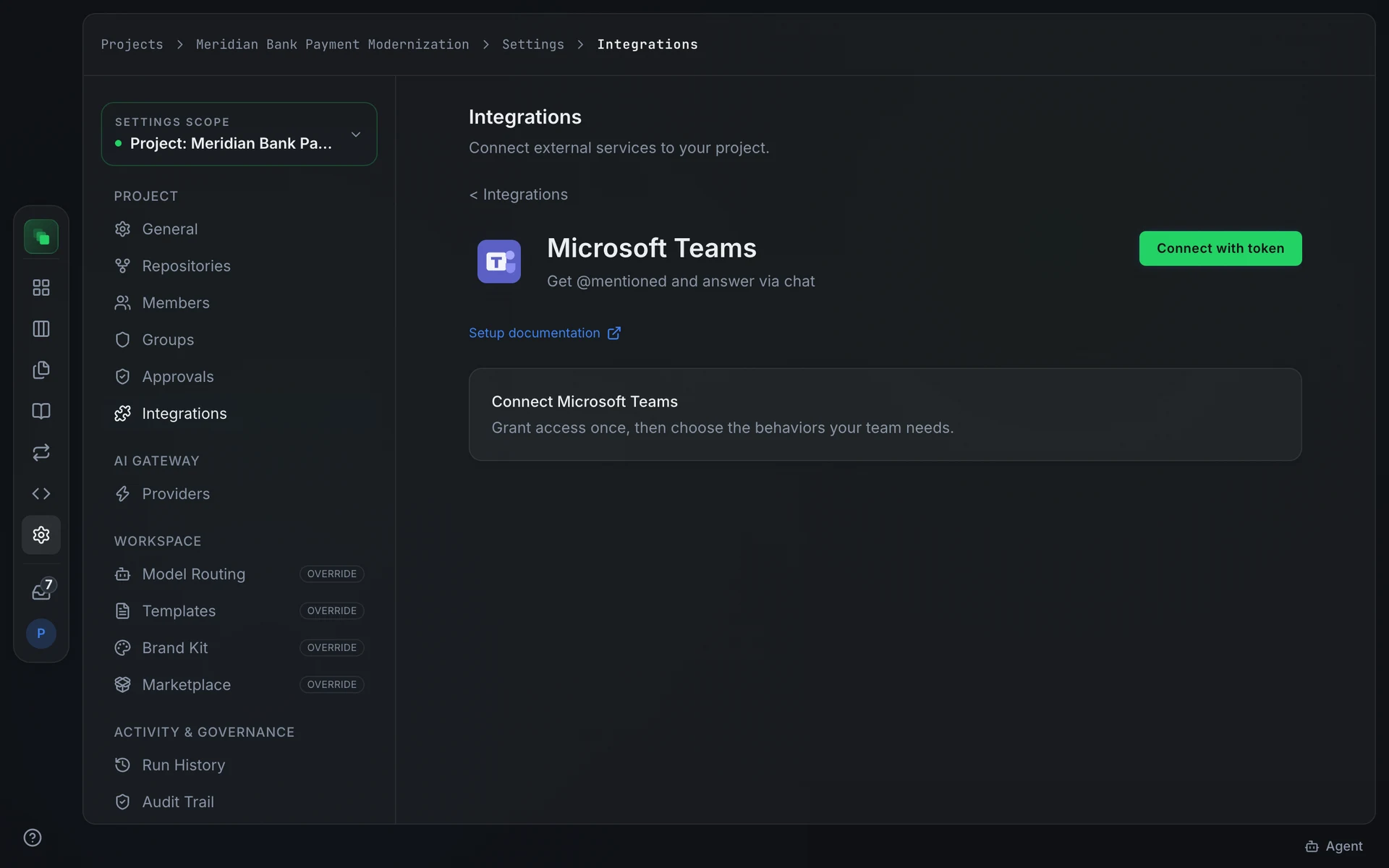
Microsoft Teams connects Flezise to your tenant so the builder agent can receive tasks through @mentions in channels and chats, post replies in the originating conversation, and send approval and escalation alerts to a conversation ID you specify.
Microsoft Teams requires a feature flag enabled on your Flezise installation. If the provider card shows a lock icon, contact your administrator.
Connect
Teams connects through an Azure Active Directory app registration. Go to Project Settings → Integrations → Microsoft Teams, press Connect, and supply the credentials from your Azure app:
If OAuth is available on your deployment, press Connect instead of Connect with token. The OAuth flow requests these Microsoft identity scopes from your tenant:
Inbound event delivery uses the Microsoft Graph notification API. The platform performs a validationToken handshake when you register the subscription; the clientState value in each notification is checked against the connection to verify authenticity.
Capabilities
Configuration
The Write-back card controls what the builder agent sends back to Teams after each event.
Auto-respond to tickets is on by default. The builder agent posts a reply in the originating conversation and includes the pull-request link once work is done. Each reply uses credits.
Approval and escalation notifications is off by default. Enable it and a Notification target (channel/conversation ID) field appears. Enter the Teams conversation ID where the platform should post pending-approval and escalation messages.
The Inbound events card carries an Allow work-item triggers toggle. Enable it to allow events from Teams to create work items, subject to the project automation policy.
Events
Received events pass through the classifier. If the automation policy allows it and Allow work-item triggers is on, a work item is created and agent triage begins.
Next steps
- Integrations overview: the full provider catalog and capability chips
- Work the board: manage work items that Teams events create
- Audit trail: every triggering event is recorded here