
Microsoft 365
Microsoft 365 connects Flezise to your tenant so the knowledge base stays current with SharePoint content and so finished meeting transcripts are ingested automatically when they become available.
Microsoft 365 requires a feature flag enabled on your Flezise installation. If the provider card shows a lock icon, contact your administrator.
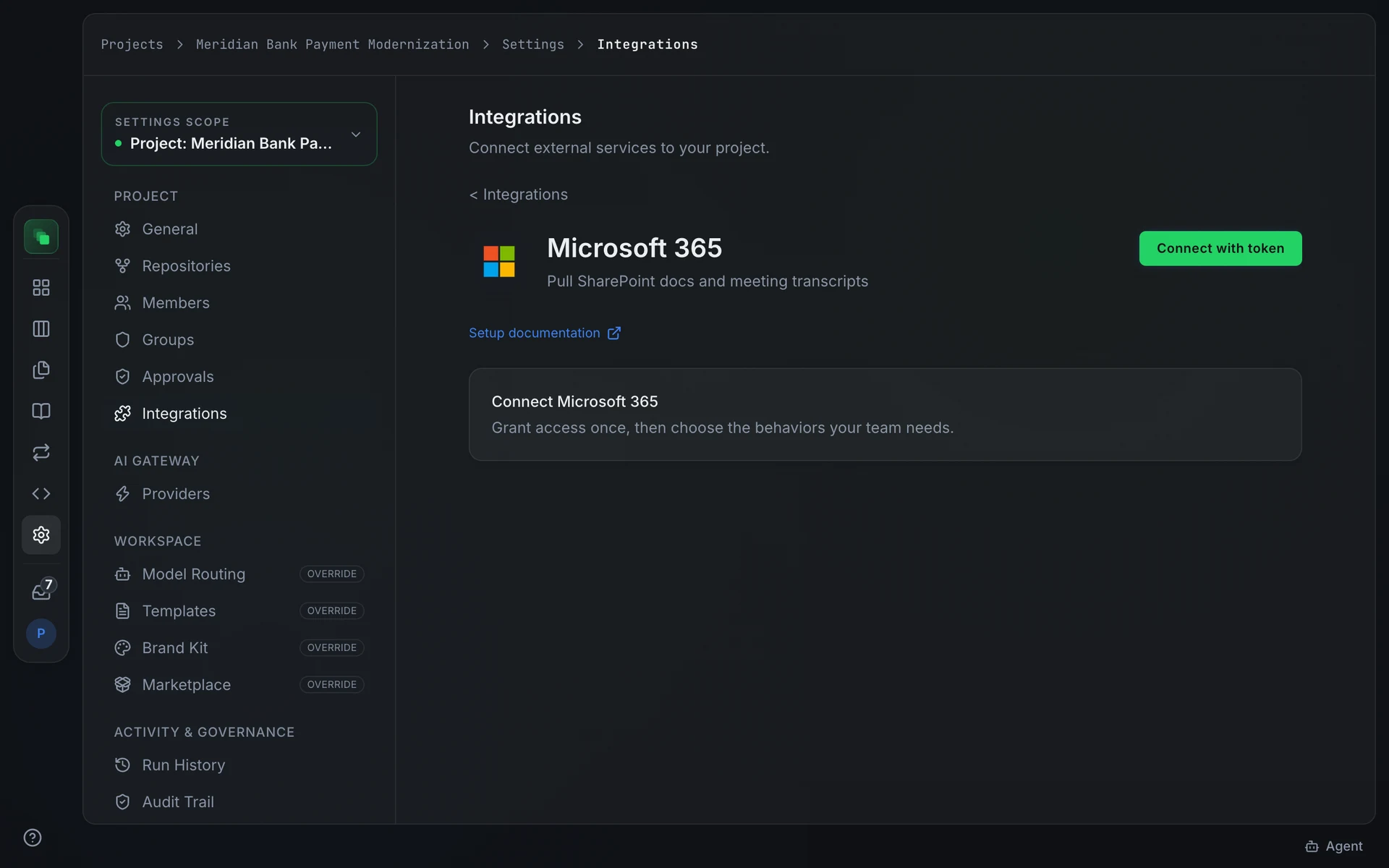
Connect
Go to Project Settings → Integrations → Microsoft 365. The integration connects through an Azure Active Directory app registration. If OAuth is available on your deployment, press Connect to open the authorization popup. The app requests these Microsoft identity scopes from your tenant:
If OAuth is not available, press Connect with token and enter the app registration credentials:
After a successful credential test, a SharePoint Site ID field appears. Enter a site ID to scope the knowledge sync to a specific SharePoint site. Leave it blank to sync all sites the account can access.
Inbound event delivery uses the Microsoft Graph notification API. The platform performs a validationToken handshake when the subscription is registered; the clientState value in each notification is validated against the connection.
Capabilities
Configuration
The Knowledge sync card controls how and when SharePoint documents are pulled.
Press Sync now to start an immediate sync. The card shows the timestamp of the last completed sync.
Automatic sync is off by default. Enable it and choose a frequency from the Sync frequency selector:
Auto quality check is on by default. It skips empty or template files and routes incomplete or uncertain documents to review rather than embedding them directly.
Limit to sources (optional) accepts a comma-separated list of SharePoint site IDs or page IDs. Leave it blank to sync everything the grant allows.
The Inbound events card carries an Allow work-item triggers toggle. Enable it to let Graph events from Microsoft 365 create work items, subject to the project automation policy.
Events
When meeting.transcript_ready arrives, the platform fetches the transcript from the Graph API and ingests it into the knowledge base. It does not create a work item unless Allow work-item triggers is on and the automation policy permits it.
Next steps
- Integrations overview: the full provider catalog and capability chips
- Microsoft Teams: connect Teams for @mention and reply capability
- Audit trail: every triggering event is recorded here