
Token saving
Token Saving compresses prompt text inside the AI Gateway before it reaches providers. The pipeline runs entirely on the gateway side; models receive the compressed text, not the original.
Read this if you administer the platform AI Gateway. Token Saving is a platform-scope setting that applies to all projects.
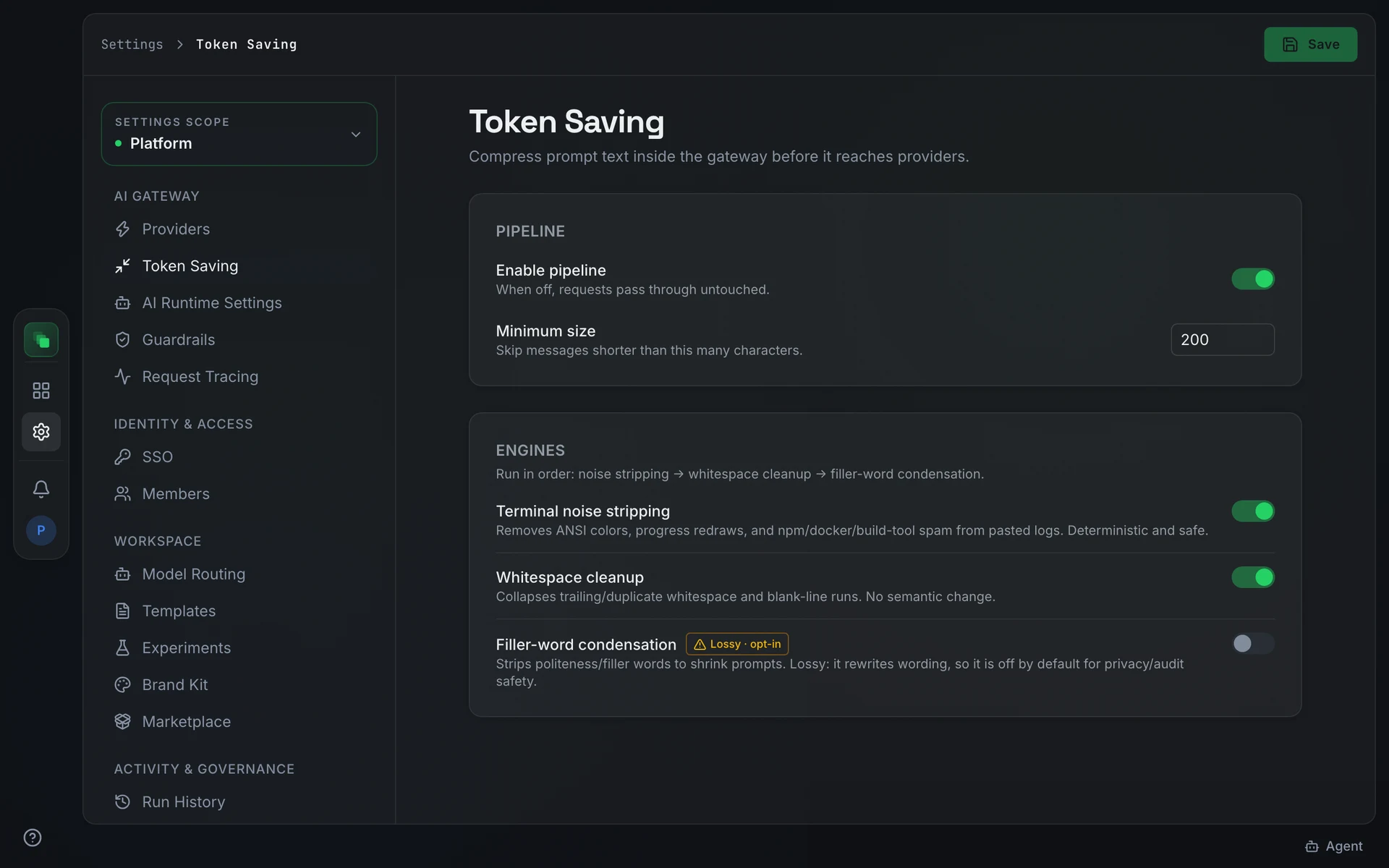
Enable the pipeline
Open Settings → Token Saving ("Compress prompt text inside the gateway before it reaches providers.").
The Pipeline section has two controls:
Turn the pipeline off to pass all prompts to providers without modification.
Configure engines
The Engines section runs three steps in order: noise stripping, then whitespace cleanup, then filler-word condensation.
Filler-word condensation rewrites prompt text. Enable it only when a lossy rewrite of prompt content is acceptable for your use case and audit requirements.
Next steps
- Guardrails: screen gateway traffic for PII, injections, and secrets
- Request Tracing: inspect how compressed requests reached providers
- AI providers: connect the providers that receive compressed prompts